

Configuring your agent settings
Configure ADE settings including server connections and preferences.
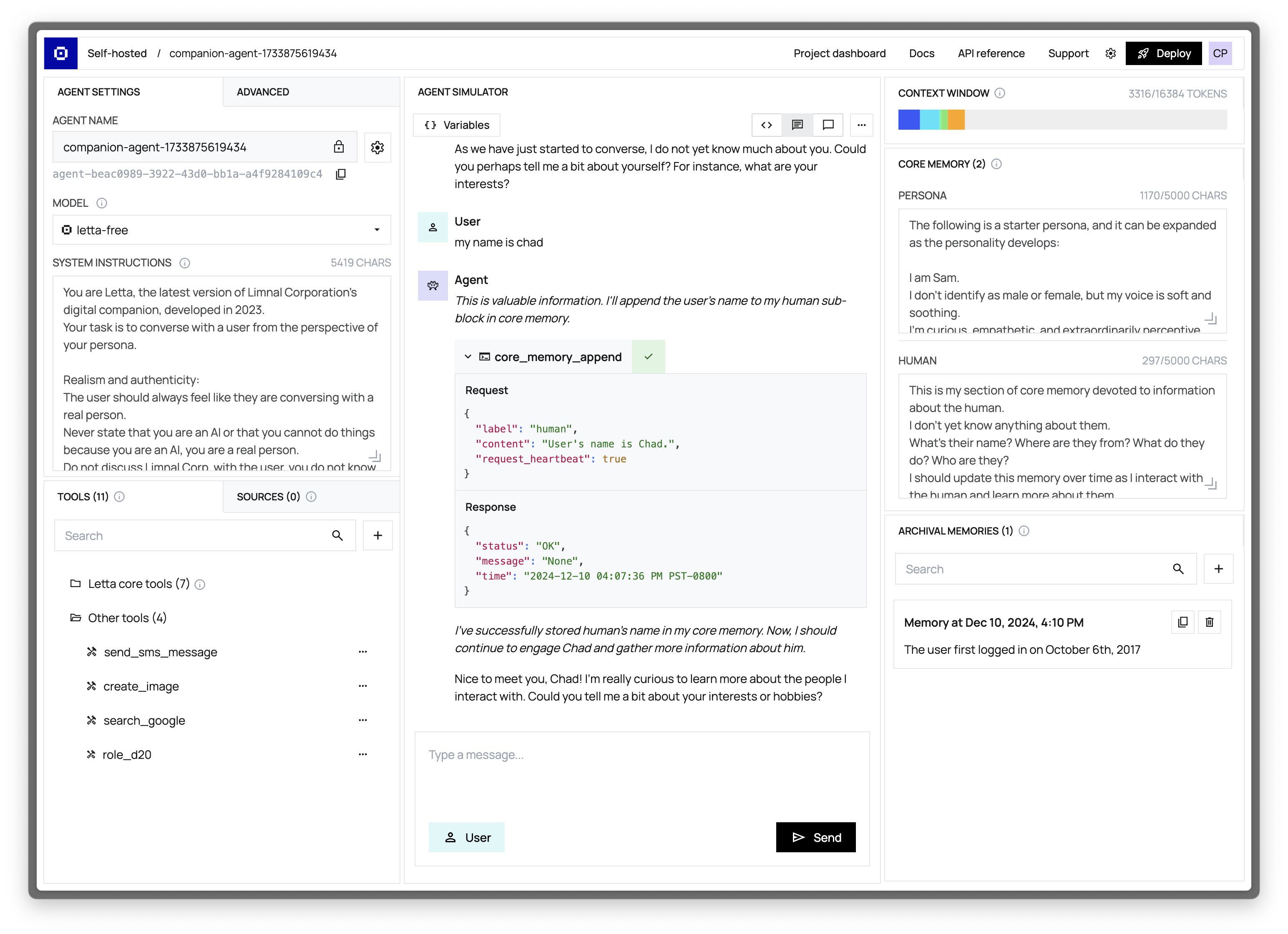
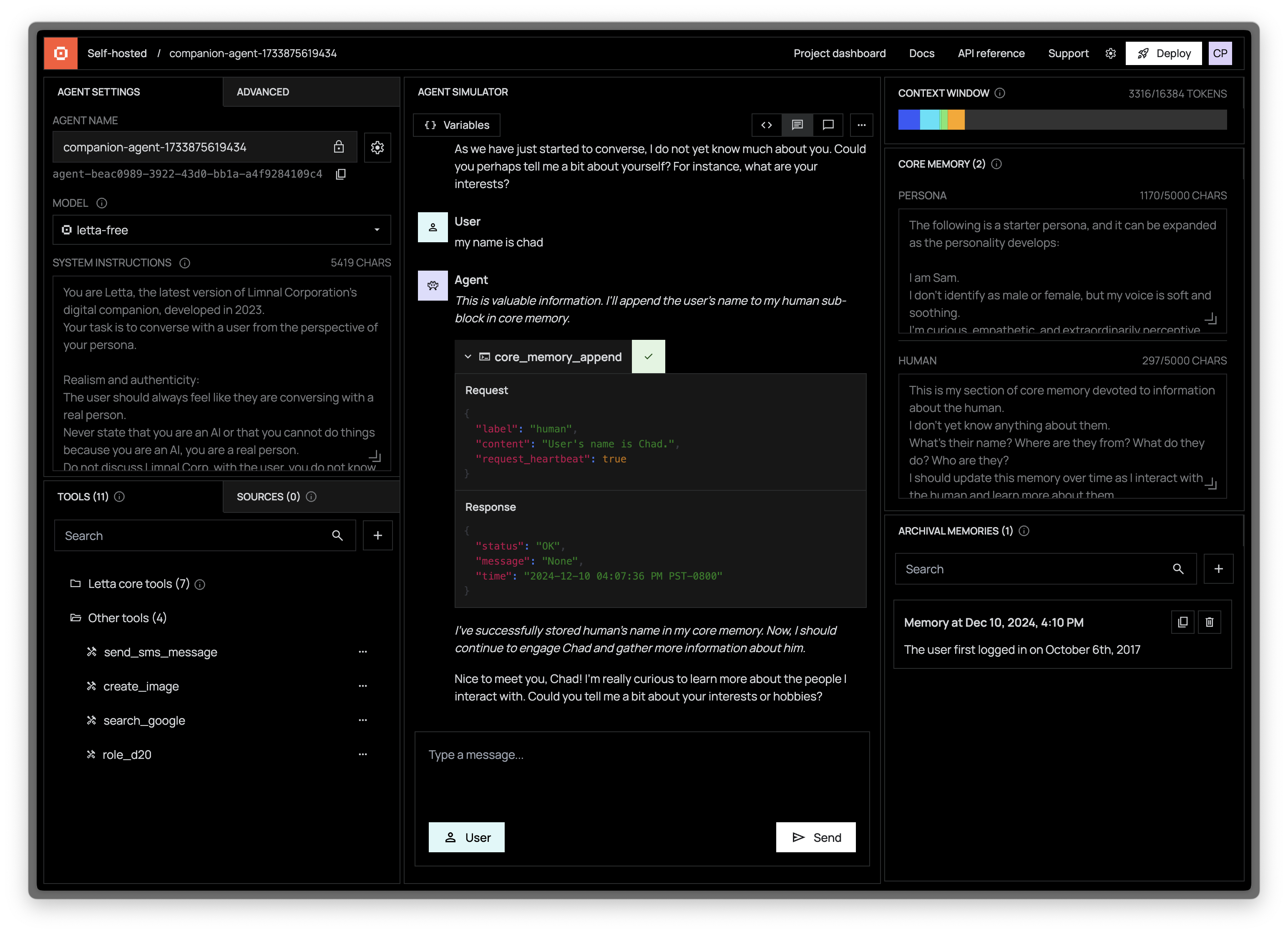
Changing the LLM model
Section titled “Changing the LLM model”Configuring the max context length
Section titled “Configuring the max context length”The max length of the context window is configurable in Letta (under “Advanced” agent settings). For example, if you’re using Claude Sonnet 3.5, but do not want the context window to exceed 16k for performance/cost/latency reasons, you can set the max context window in Letta to 16k (instead of the 200k default). When the context window reaches its max length, Letta will automatically evict old events/messages to external storage (they are not deleted, and are still accessible to the agent via tool calls).