Skip to content

Letta Agent
The memory-first agent, that remembers and learns
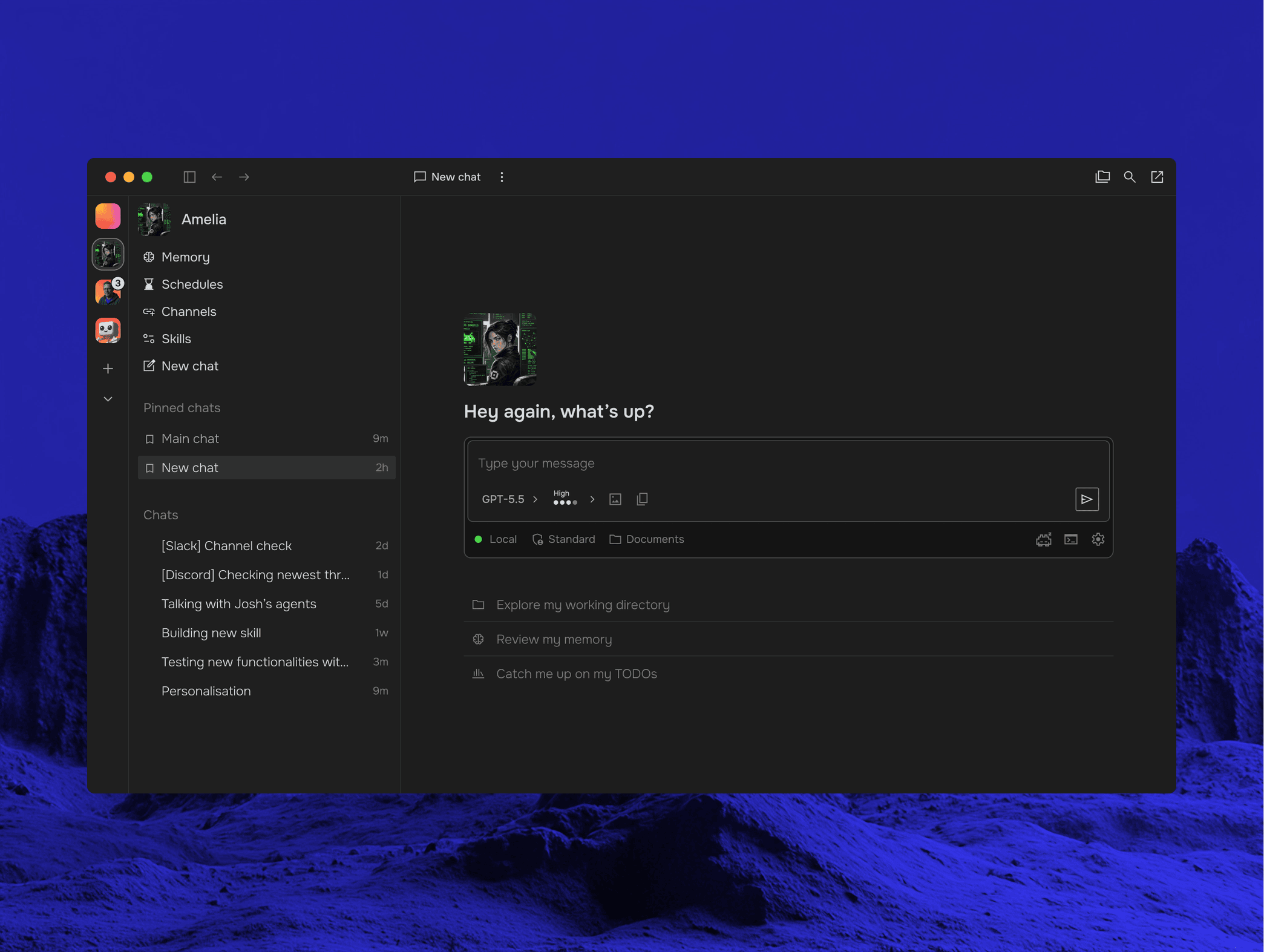
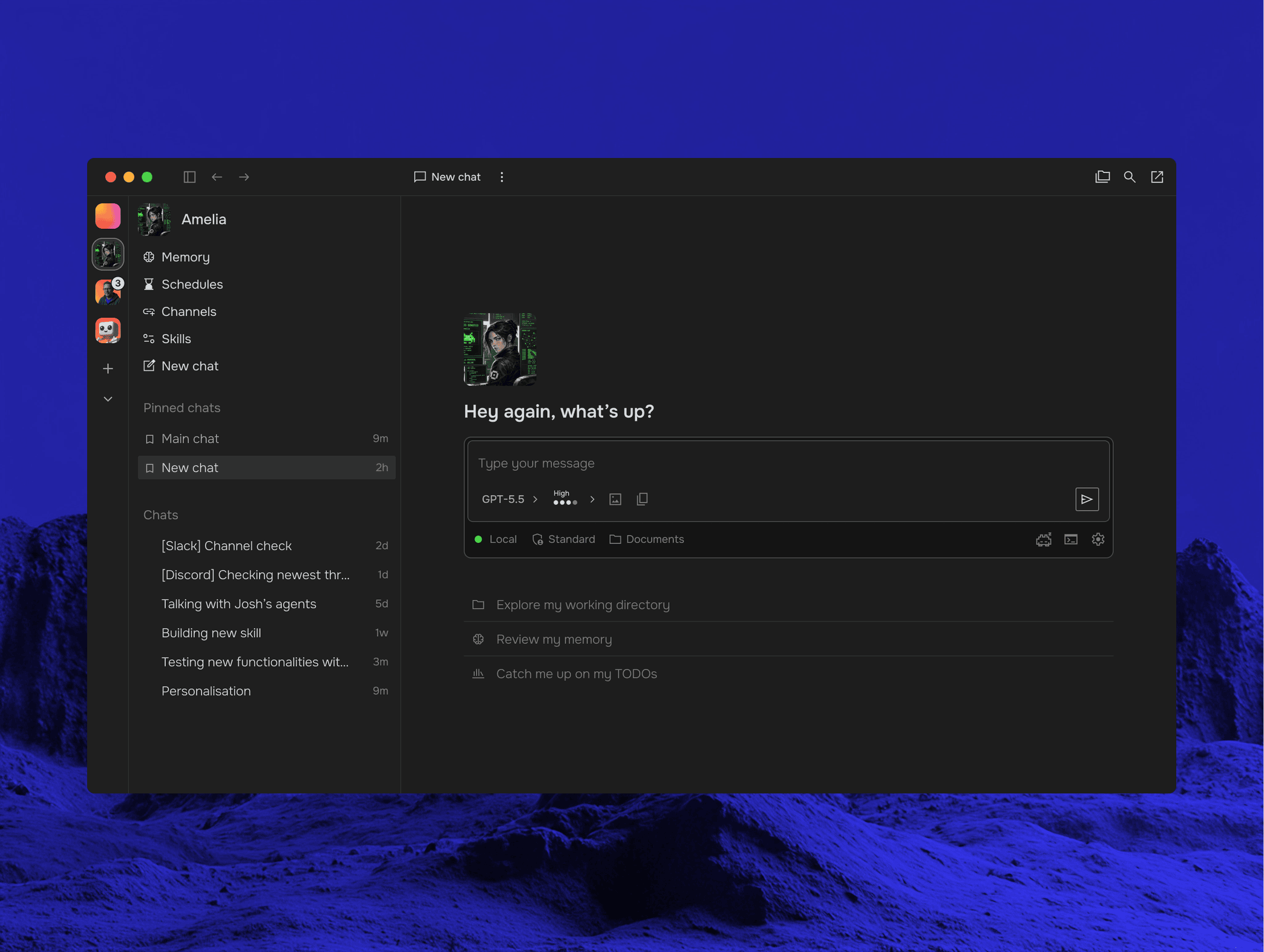
Letta Agent is a deeply personalized stateful agent that can learn from experience and improve with use. The Letta Agent harness is fully open source and builds on our lab’s latest research in AI memory and continual learning.
You can use Letta Agent to build:
- Coding agents: A state-of-the-art coding agent that learns your coding conventions and important codebase patterns over time.
- Digital employees: Highly autonomous AI employees that can write reports, research topics, manage your calendar and email.
- Personal agents: Digital entitites with deeply customized personalities and living memories. Chat via the desktop app, mobile, Telegram, or WhatsApp.
Get started with Letta Agent →