Inspecting your database
Set up pgAdmin for managing PostgreSQL databases used by Letta Docker servers.
If you’d like to directly view the contents of your Letta server’s database, you can connect to it via pgAdmin.
If you’re using Docker, you’ll need to make sure you expose port 5432 from the Docker container to your host machine by adding -p 5432:5432 to your docker run command:
# replace `~/.letta/.persist/pgdata` with wherever you want to store your agent datadocker run \ -v ~/.letta/.persist/pgdata:/var/lib/postgresql/data \ -p 8283:8283 \ -p 5432:5432 \ -e OPENAI_API_KEY="your_openai_api_key" \ letta/letta:latestOnce you expose port 5432, you will be able to connect to the container’s internal PostgreSQL instance.
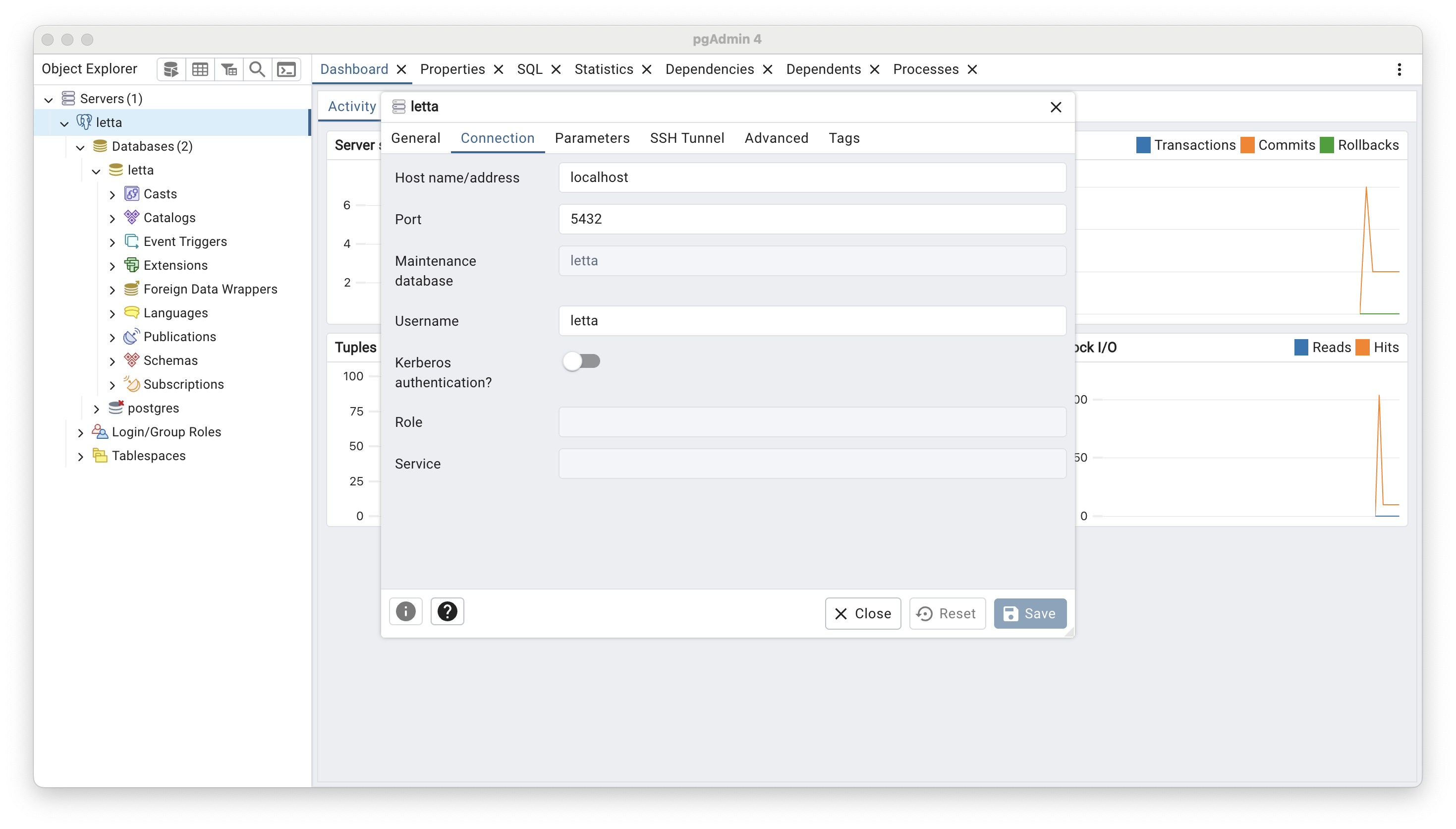
The default configuration uses letta as the database name / user / password, and 5432 as the port, which is what you’ll use to connect via pgAdmin: