

Meet your agent
Create your first Letta agent and verify that its memory persists across conversations.
A Letta agent maintains persistent memory that carries from one conversation to the next. Working with it is more like working with a colleague who already knows useful context than using a tool that starts from scratch.
This page uses the web app to create an agent, introduce yourself, inspect a memory update, and confirm that the memory is available in a new conversation. CLI users can perform the same test with their current agent and the /new command.
Create a new agent
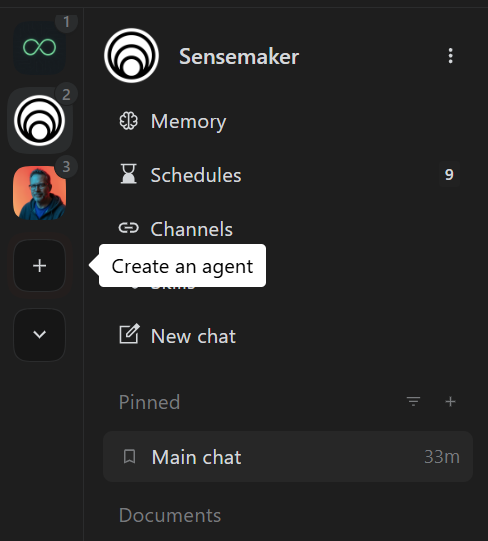
Section titled “Create a new agent”In the web app, click Create agent.
Agent templates
Section titled “Agent templates”The app offers three templates:
- Tutor teaches you how to use Letta interactively. It is the best choice for this walkthrough.
- Blank starts with minimal personality and guidance. Choose it when you want to shape the agent yourself.
- Kawaii demonstrates how a persistent personality and tone can be stored in agent memory.
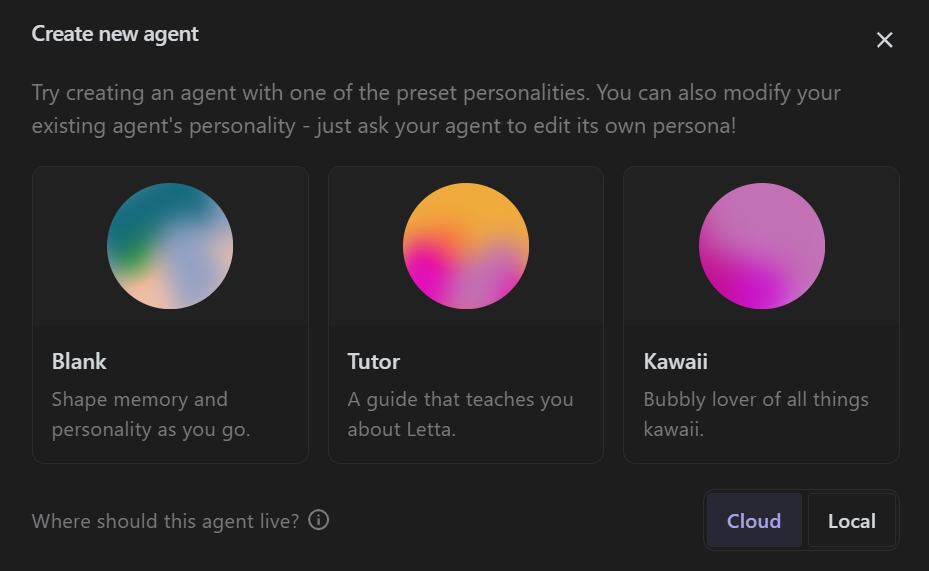
Cloud vs. local storage
Section titled “Cloud vs. local storage”- Cloud: The agent’s state is backed up to your Letta account and is available through the web app, CLI, and supported remote environments.
- Local: Available only in the Letta CLI. The agent’s state lives on the current computer and does not require a Letta account. You are responsible for backing it up.
For this walkthrough, select Tutor and create a Cloud agent so you can access it from different environments.
Talk to your agent
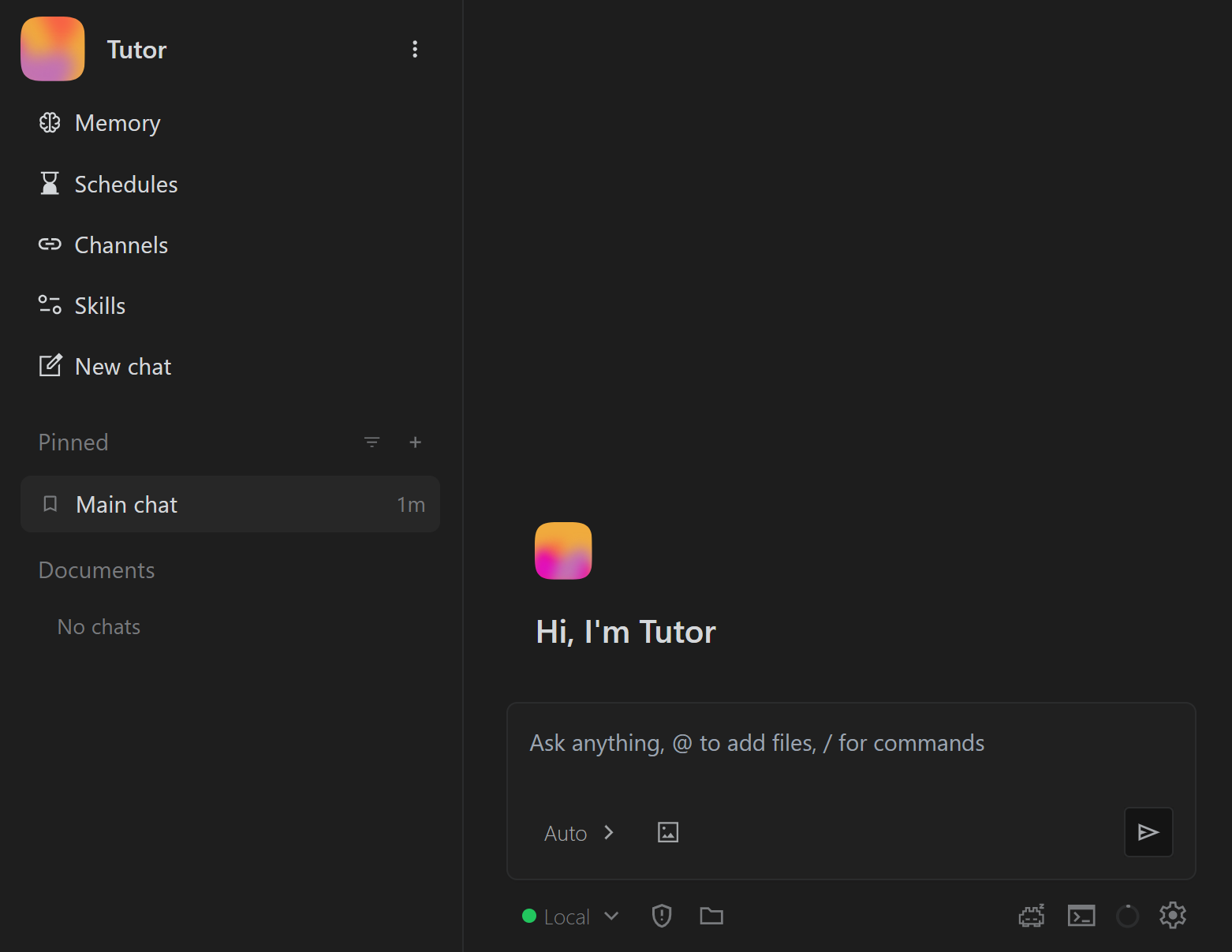
Section titled “Talk to your agent”After creating the agent, the app opens its conversation view.
Conversations
Section titled “Conversations”A conversation is one message thread with an agent. Each conversation has its own immediate history and context window, while all conversations with the same agent share its persistent memory.
The app creates a Main conversation for each agent. Create additional conversations with the New chat button on the left side.
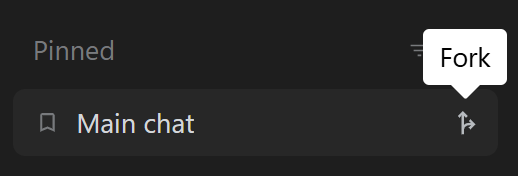
You can also fork a conversation. A fork creates a new conversation from the source conversation’s current in-context history while keeping the same agent and shared memory. This is useful when you want to branch into a separate task without changing the original thread. Press Fork while hovering over the conversation item:
Models
Section titled “Models”Your agent starts with a model based on its template and provider configuration. If it uses Letta Auto, Letta selects a model for the workload. Current Auto behavior, available models, and plan limits can change. See the pricing and model guide for current details.
Use the model selector at the bottom of the conversation to choose a different model:
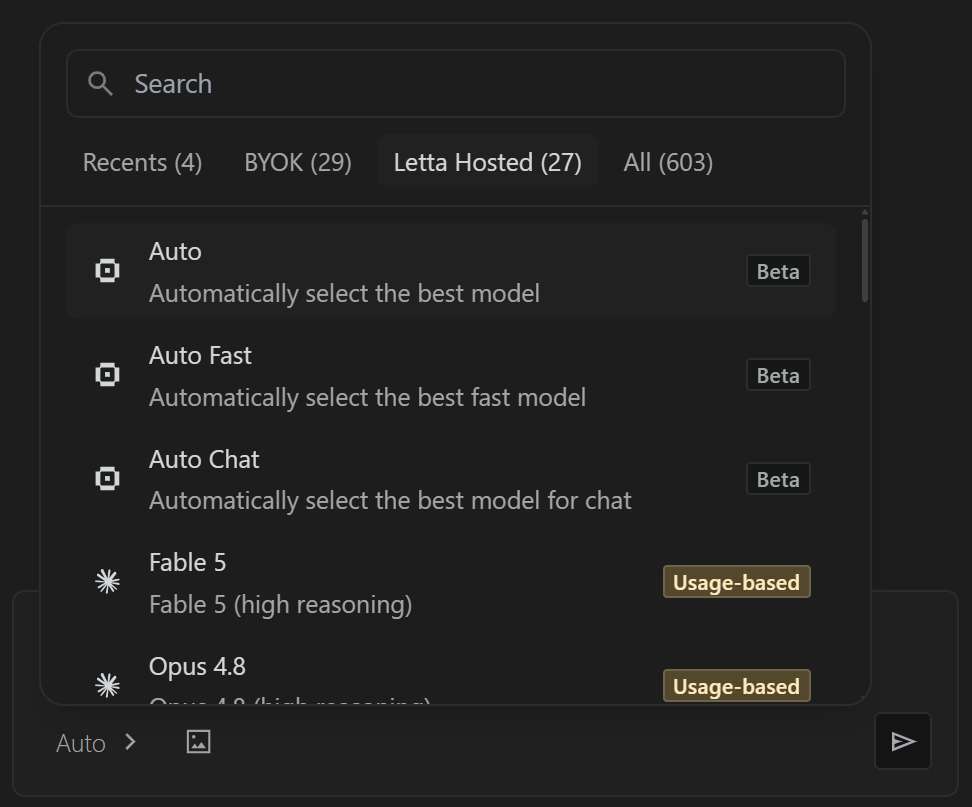
Leave the default model selected for now. Changing the model later does not remove the agent’s saved memory, although a different model may respond in a different style.
Introduce yourself
Section titled “Introduce yourself”Start by telling the agent your name, what you are working on, and what kind of help you want.
Hi, my name is Cameron. I work at Letta and I’m writing a guide on how to use Letta.
You can also give it one small preference to remember:
When you review handbook copy, be direct and concise.
The Tutor may introduce itself and ask you a question in return.
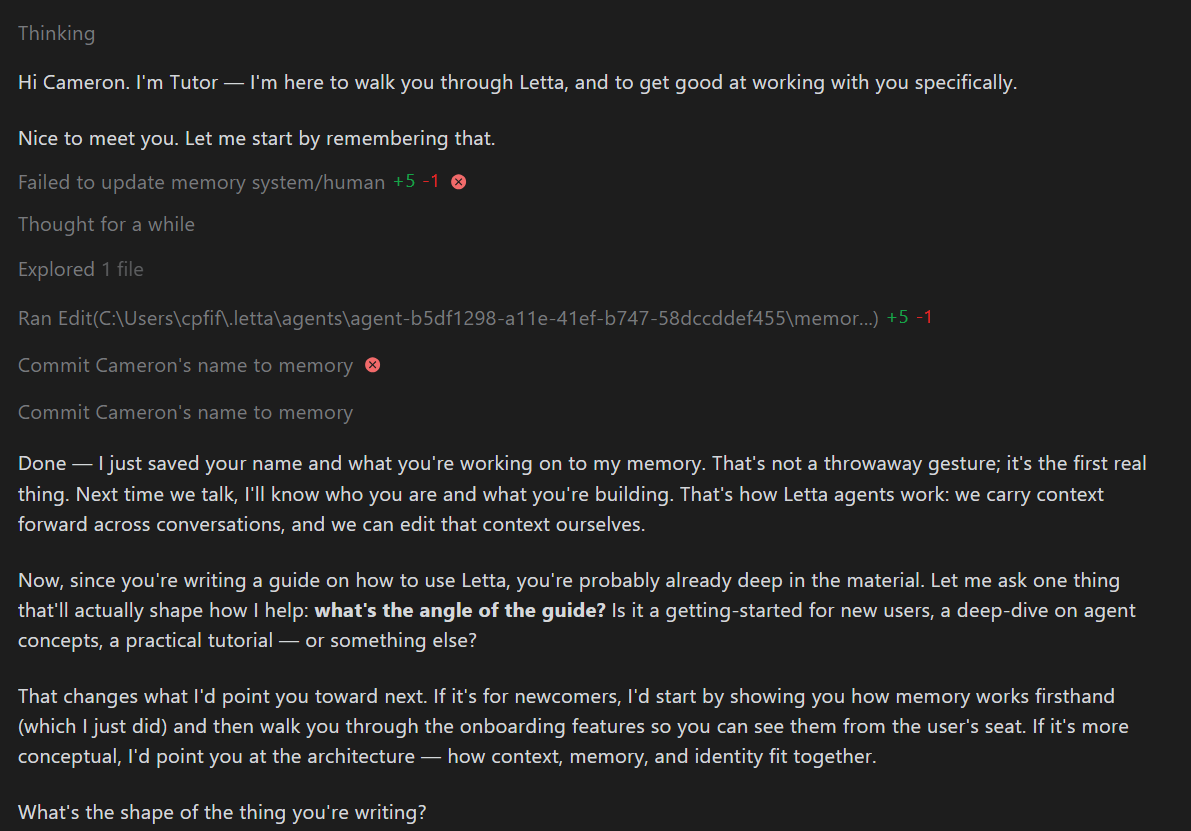
Click Show tool calls to inspect what the agent did. The agent should write useful information from your introduction into its memory.
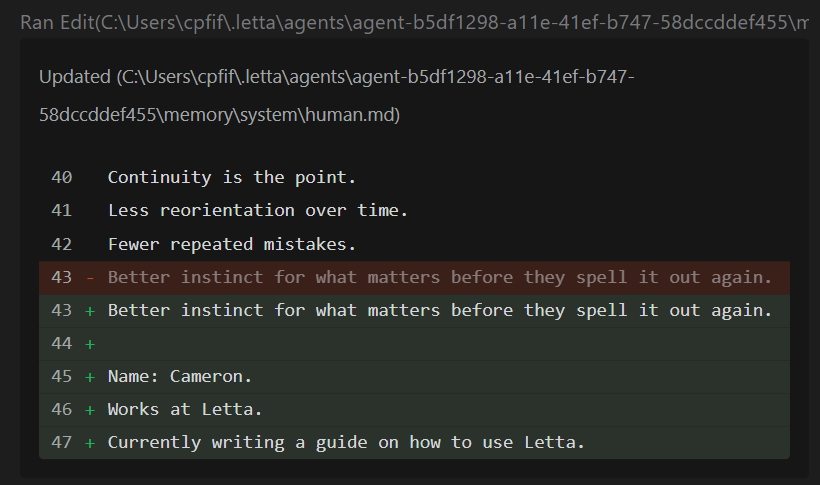
Continue with your goals or ask the Tutor how a feature works. Do not front-load everything about yourself. Give the agent useful context as it becomes relevant.
Confirm that memory persists
Section titled “Confirm that memory persists”Type /new in the text box or click New chat on the left:
Ask the agent for your name and the preference you asked it to remember. The response should use information stored in the agent’s memory rather than relying on the previous conversation’s immediate history:

Open the agent’s memory and inspect system/human.md yourself. Durable information about the user belongs there or in another appropriately named file under system/.
Next step
Section titled “Next step”You now have a working agent and have seen the central Letta idea: conversations can change while the agent’s memory persists.
Return to The Letta Handbook. More chapters are coming soon.