

Letta CLI
Run the Letta CLI from your terminal
Install the Letta CLI
Requires Node.js 22.19+
npm install -g @letta-ai/letta-code 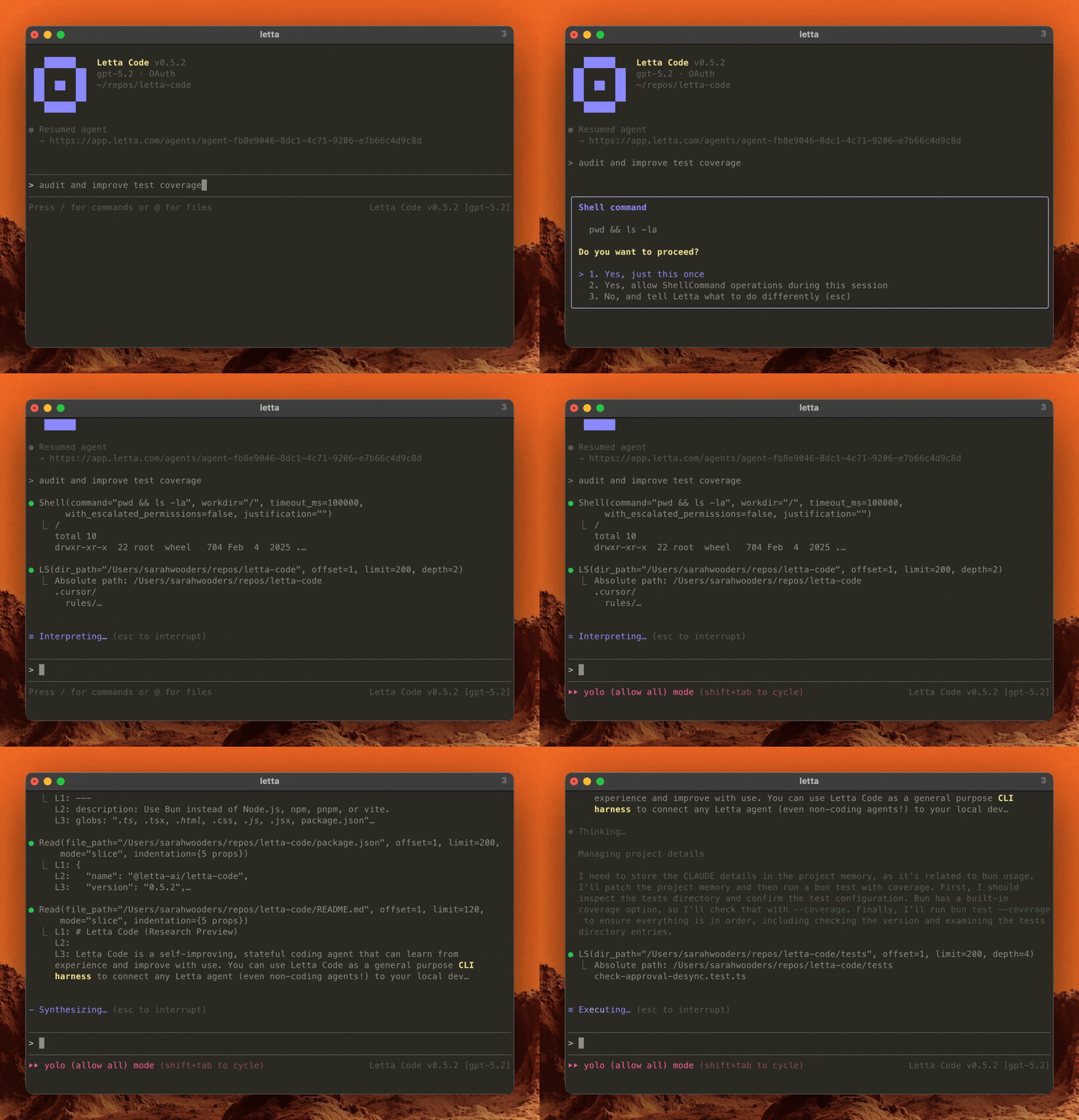
Getting started
Section titled “Getting started”-
Install the Letta CLI
npm install -g @letta-ai/letta-codeAlternatively, install with uv or pipx (Node.js is bundled):
Terminal window uv tool install letta# orpipx install lettaRequires Python 3.9+. Wheels support glibc Linux 2.28+ (x86-64/ARM64), macOS 14+ (Intel/Apple Silicon), and Windows x64; Alpine/musl, 32-bit systems, and Windows ARM64 are unsupported.
If
npm install -gfails withEACCES, don’t usesudo: root ownership prevents the CLI’snpm install -gself-updates. Use uv/pipx, a user-owned npm prefix, or nvm.To launch the Letta CLI, run:
lettaIf you’re running the Letta CLI for the first time, a new local agent will be auto-created for you. This default local mode stores agent state on your machine and does not require a Letta login.
-
Connect to LLM providers
Use
/connectto connect external API keys, coding plans, and local inference servers. -
Navigate to your project
cd your-projectletta -
Send your first message
You’re ready to chat! Try asking your agent to explore your codebase or run
/initto bootstrap its memory.Use
/newto start a new conversation (orletta --new),/resumeto swap conversations,/agentto swap agents, and/modelto swap models. View the CLI reference to see the full list of CLI commands. -
Optional: sign in with Letta
Run
/loginto back up your agents to the cloud and make them available throughchat.letta.com, remote machines, and messaging integrations. Free accounts support up to three agents.
You can also run the CLI in headless mode for automations.