

Get a Letta API API key
API key authentication and management for Letta servers.
Access Letta API
Section titled “Access Letta API”Letta API is accessible via https://app.letta.com. If you have access to Letta API, you can use the web platform to create API keys, and create, deploy, and monitor agents.
Even if you don’t have access to Letta API, you can still use the web platform to connect to your own self-hosted Letta deployments (found under the “Self-hosted” section in the left sidebar).
Create a Letta API API key
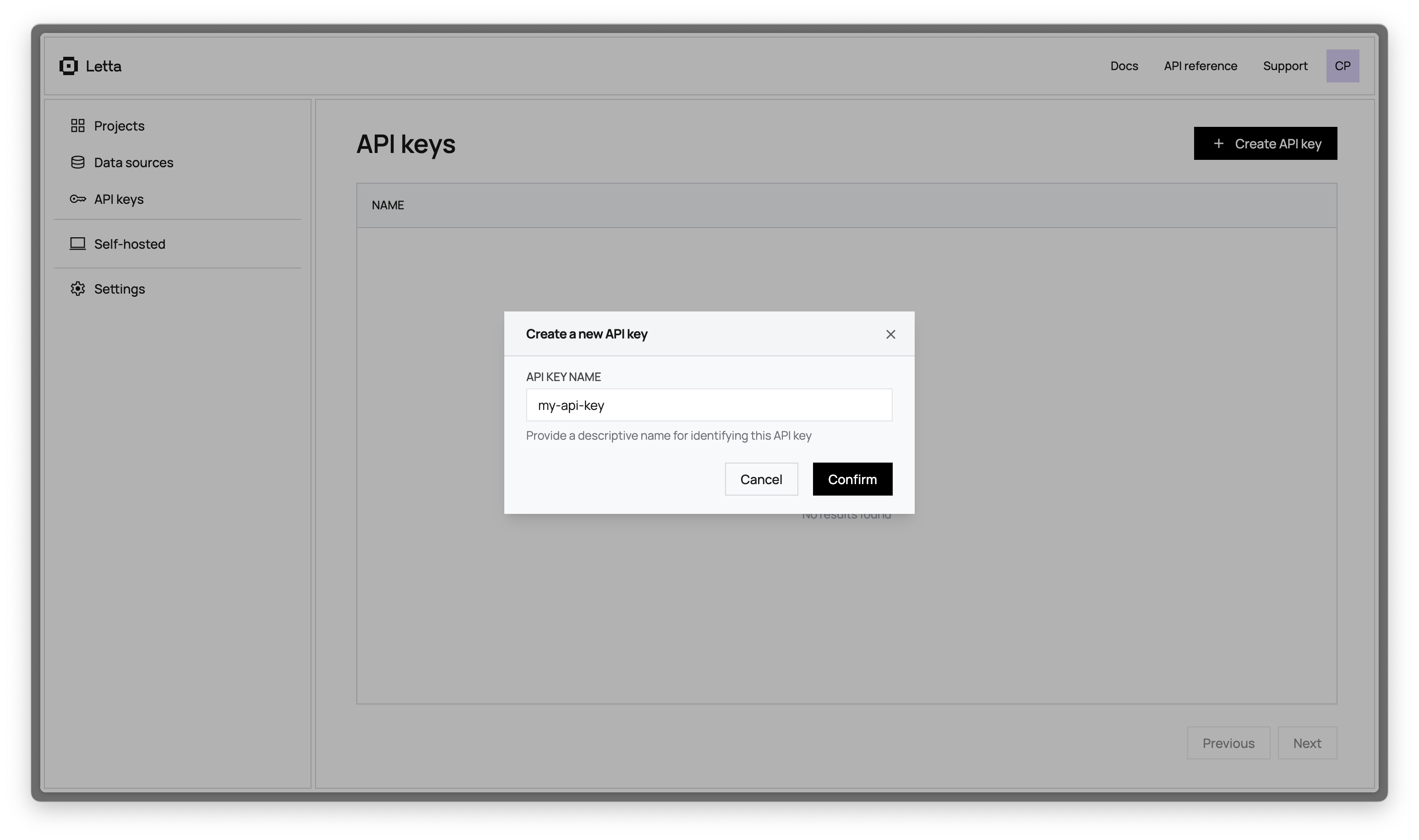
Section titled “Create a Letta API API key”To create an API, navigate to the API keys section in the dashboard (you must be logged in to access it). Once on the page, you should be able to create new API keys, view existing keys, and delete old keys. API keys are sensitive and should be stored in a safe location.
Using your API key
Section titled “Using your API key”Once you’ve created an API key, you can use it with any of the Letta SDKs or framework integrations.
For example, if you’re using the Python or TypeScript (Node.js) SDK, you should set the token in the client to be your key (replace LETTA_API_KEY with your actual API key):
import Letta from "@letta-ai/letta-client";const client = new Letta({ apiKey: process.env.LETTA_API_KEY });from letta_client import Lettaimport osclient = Letta(api_key=os.getenv("LETTA_API_KEY"))If you’re using the REST API directly, you can pass the API key in the header as a bearer token, e.g.
curl https://api.letta.com/v1/agents/ \ -H "Authorization: Bearer <token>"